A Rim original — directed by you
One idea in.A whole series out.
Rim is an AI animation studio. Type one line and seven AI artists write, cast, draw and cut your series — while you call the shots at every step.


What is your story?
A demo. In the studio, this is where your own story goes.
- 01Write one line
An idea is enough. Or paste a full script — it is kept word for word.
- 02Direct every step
Review, change or redo anything. The AI does the work; you make the calls.
- 03Watch your episode
Cast, scenes, storyboard and the final cut, in the shape you choose.
Now showing
The Next Door: 4 episodes, planned, drawn and cut in Rim. Hover a poster to play it.Tap a poster to play it.
The Rooftop
The Man Upstairs
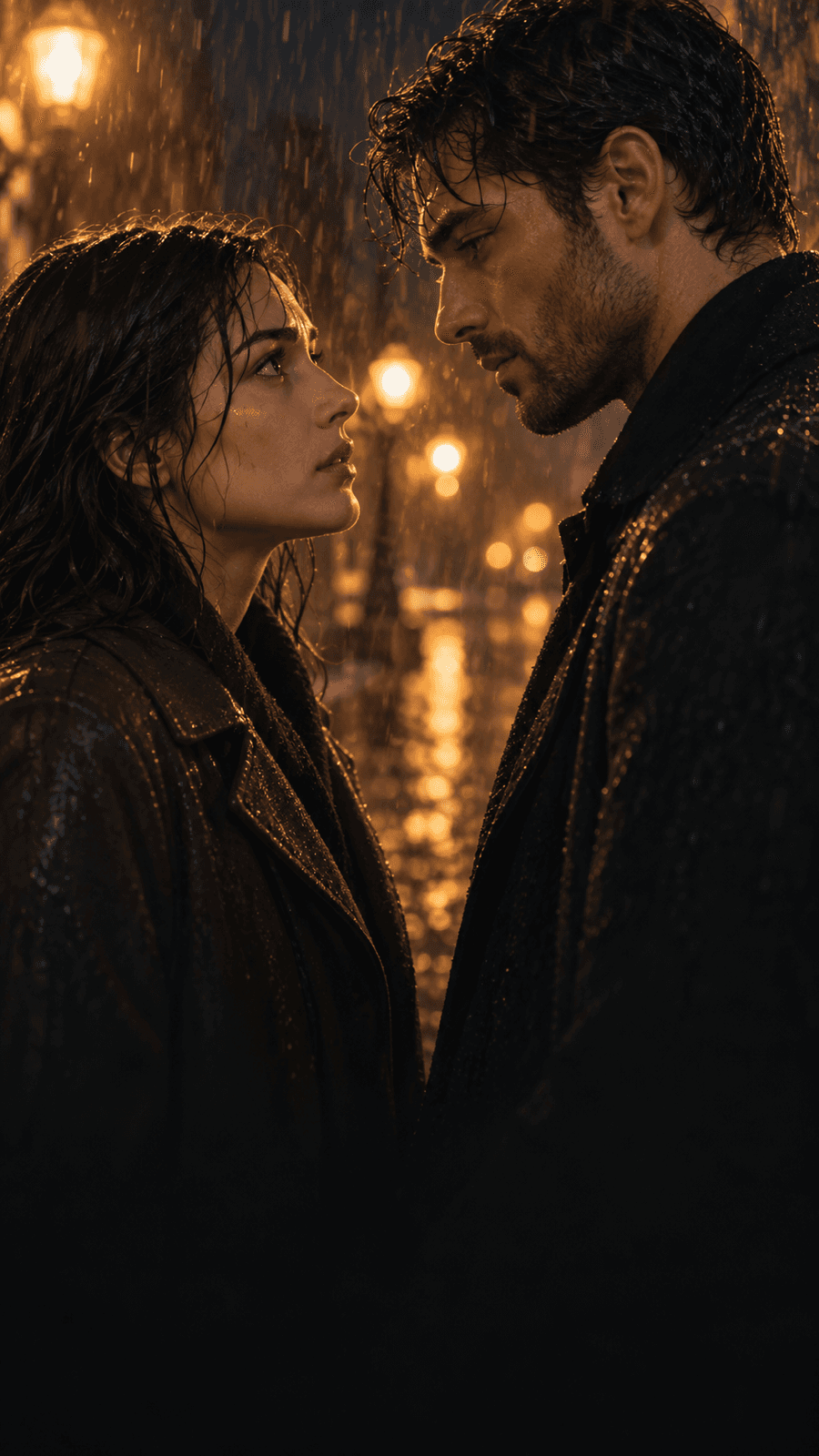
What the Rain Kept
Act one — the crew
Seven artists.One canvas.
Step inside the studio and meet the crew. Each role works down the canvas and stops at “Needs you” until you answer. Go on — approve a step.
The Next Door
Planning the episodes and the cast…
The script is written once the story is set.
Characters appear once the story is set.
Scenes are found while planning the shots.
Items are found while planning the shots.
Shots appear once the script is planned.
Videos and the final cut come after the storyboard frames.
- Story by
- Storyteller
- Written by
- Scriptwriter
- Character design
- Character designer
- Production design
- Scene designer
- Property master
- Item designer
- Storyboards
- Storyboard artist
- Edited by
- Editor
- Directed by
- You
Act two — control
Final cutis yours.
Every change arrives as a proposal: what it creates, what it replaces, what it costs. Rim is the crew. You are the director.
- 01The price, before the take
Every picture and every video shows its price before it starts.
- 02Before → after
Edits arrive as a readable change, never as a surprise.
- 03One click for the batch
Approve all portraits, frames or videos at once.
Needs you53 portraitsPrice shown here, in total, before anything starts.
- Draw Valentina CruzPortrait, from her locked look
- Draw Eli NavarroPortrait, from his locked look
- Draw Nora VancePortrait, from her locked look
- Update Valentina Cruz
- Look
- Black rain jacket → Red wool coat
- Voice
- Low, careful, a little hoarse
- Make the video for Shot 34 s · from its first framePrice shown here
CastThe Next Door · 3 charactersLocked
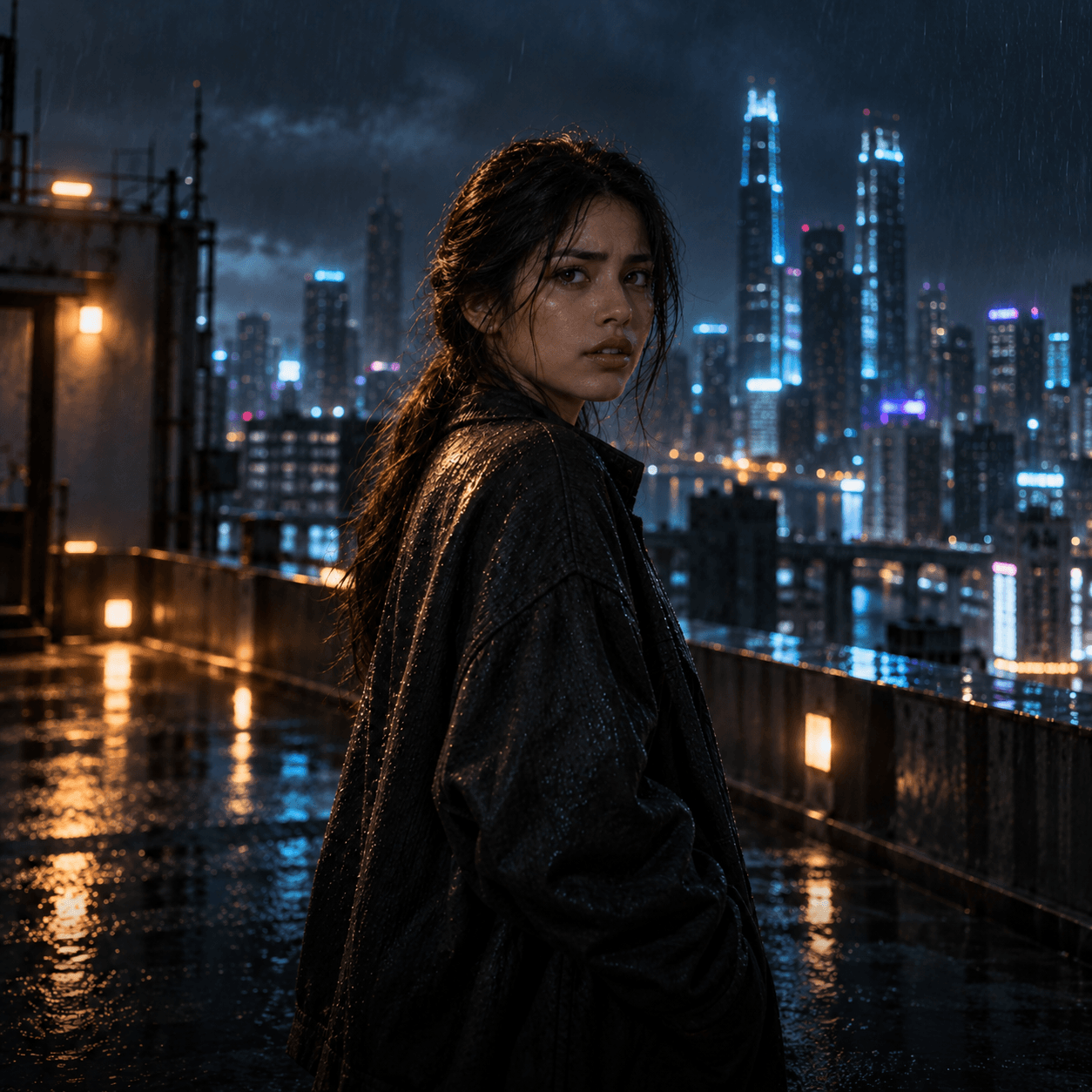
- Look
- Dark hair in a loose ponytail, quiet eyes
- Voice
- Low, careful, a little hoarse
In this episode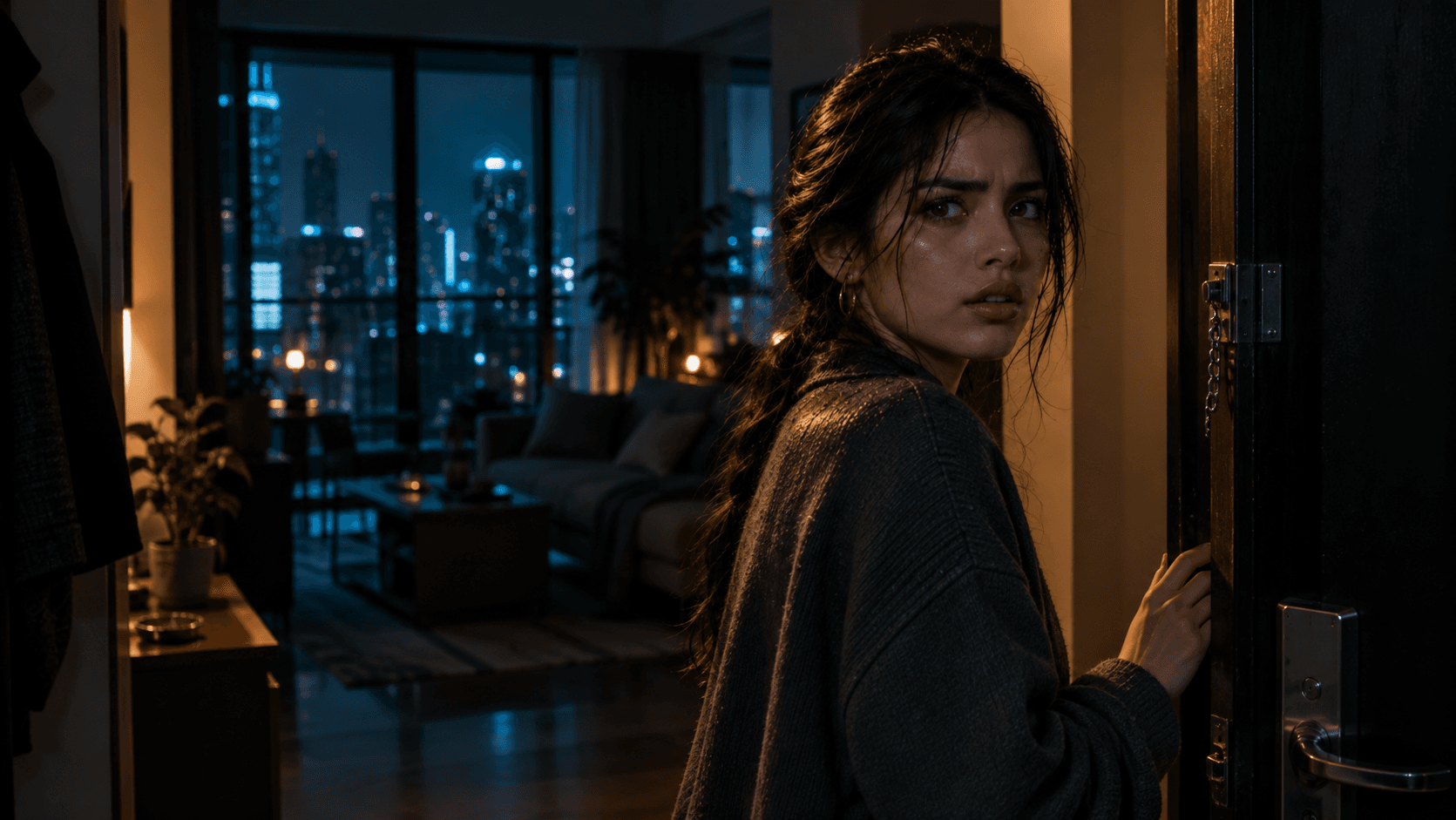 Shot 1Shot 2
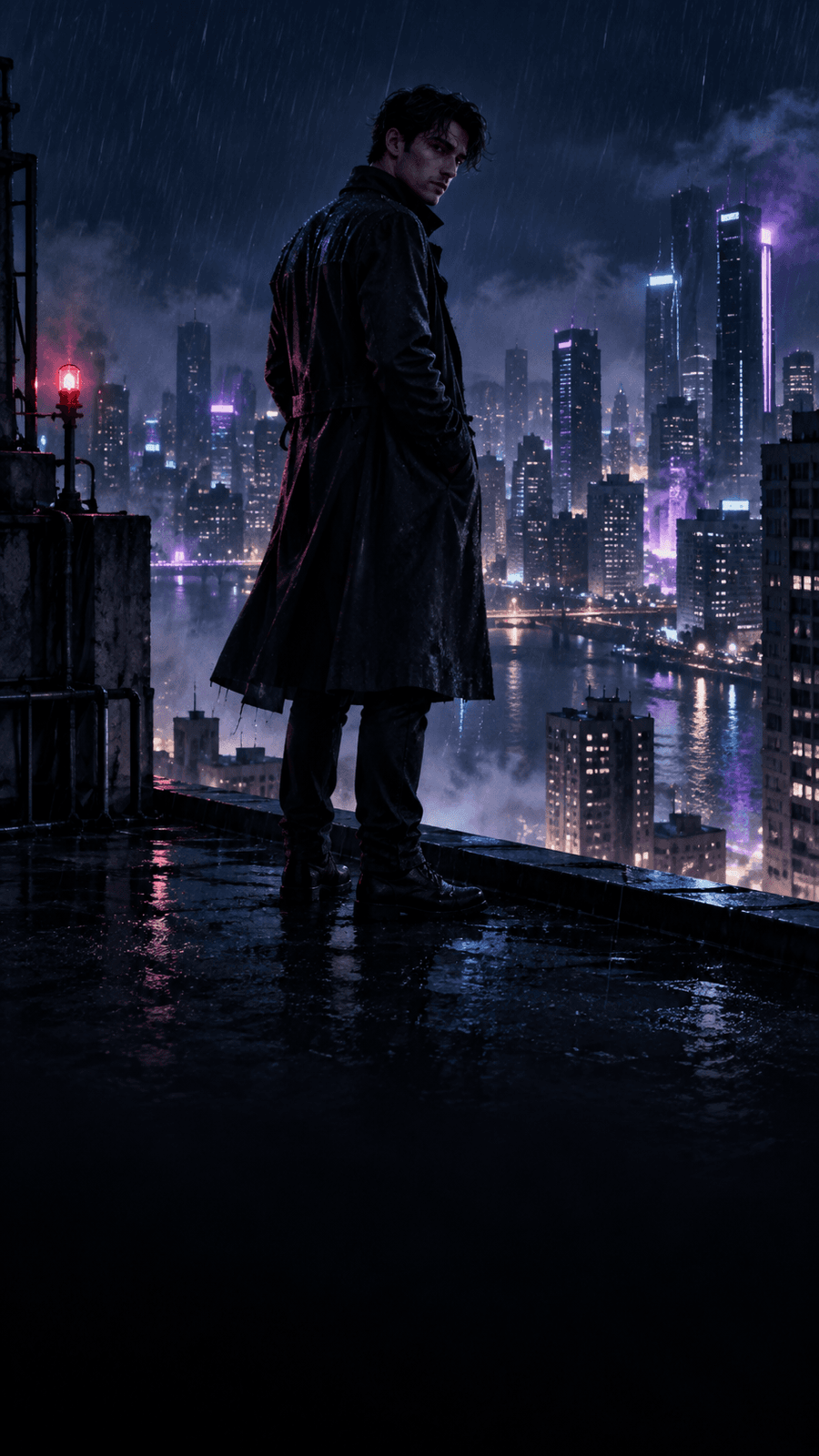 Shot 3
 Shot 4
Shot 1Shot 2Shot 3Shot 4Act three — continuity
Same face.Every frame.
Set a character’s look and voice once. Rim draws every shot from the same references, so the face in the first shot is the face in the last.
- 01Locked looks and voices
A character is drawn once, then carried into every shot.
- 02Your call, every time
A look only changes when you change it.
Act four — release
Every screen.Every voice.
Choose the shape of the picture and the language your characters speak, once per project. New pictures, videos and voices follow it.
Project settings
Aspect ratio
Dialogue language
16:9ValentinaThat flat is empty.
Coming soon — yours
Your premierestarts with one line.
The studio is still in the making. Join the waitlist, and we open yours as soon as there is room.

AI animation studio
© 2026 Rim Universe. All rights reserved.